Tradetron’s Shared Code feature lets strategy creators share “Live Shared Code” (a long alphanumeric ID). For example, you might see something like 44ec6296-0ba2-4d37-a35d-f3b2544ceae1 . To use it, log in to your Tradetron account and enter this code into your account (under Manage Shared Codes). This grants you access to view the live deployment with real capital. Below is a step-by-step guide on finding, entering, and monitoring a shared code strategy.
1. Access the Shared Strategy Code
- Log in to Tradetron. After signing in, find the Manage Shared Codes section. This is usually under your profile.
- Open “Shared with Me.” and add the Live shared code.
2. Filter for Shared Strategies in “Deployed”
After adding (just copy and paste), you can find and filter your shared strategies under the Deployed page:
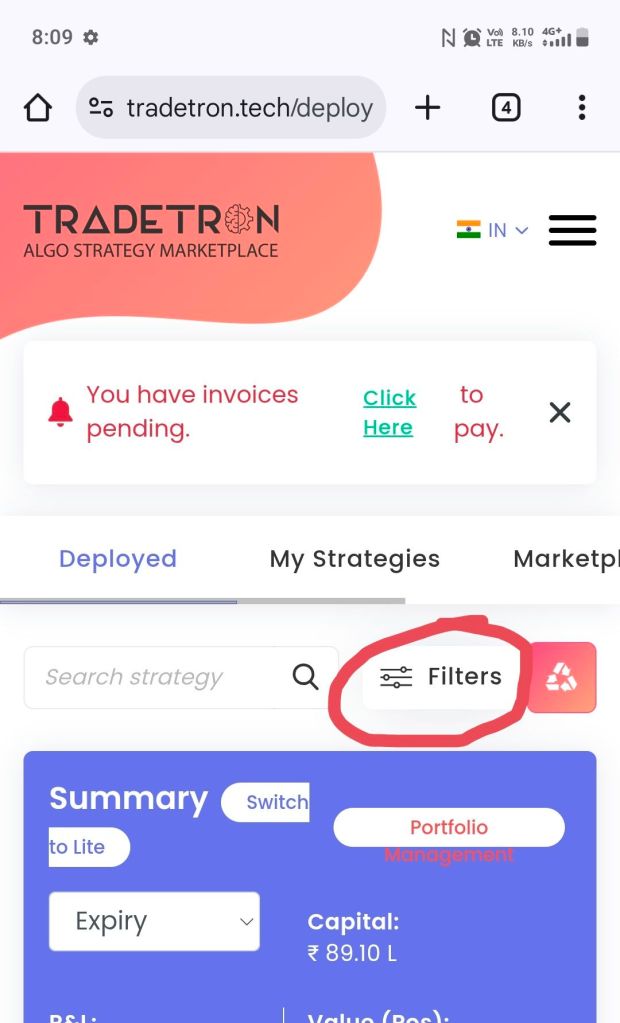
- Click on Deployed strategies in the left navigation menu. This page lists all your deployed strategies (both yours and shared ones).
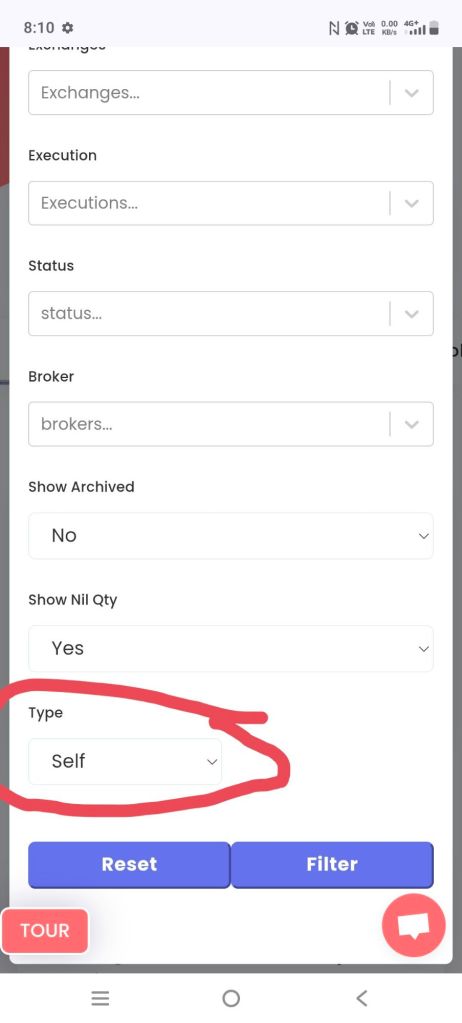
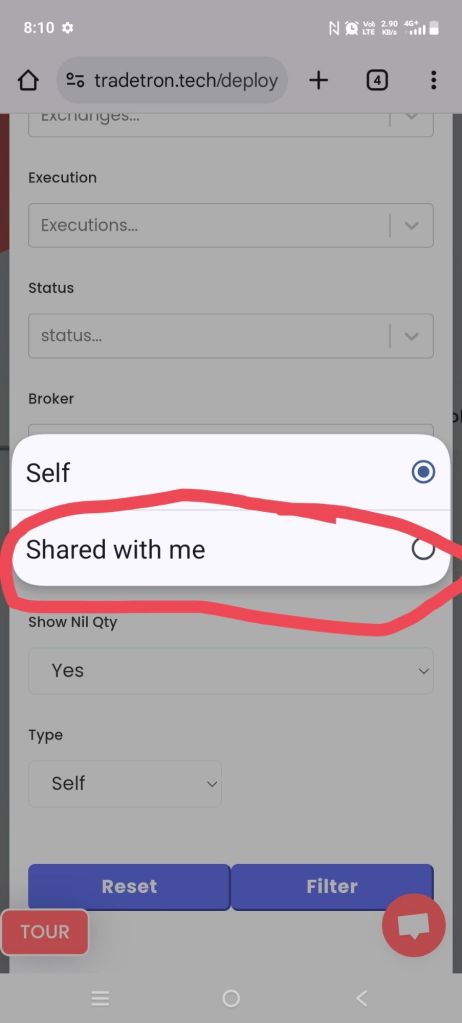
- Click the Filters button. In the filter panel, open the Type dropdown and select Shared With Me. This tells Tradetron to show only strategies added via shared codes.
- Click Apply. Now the list will display just the shared strategy deployments.

